Power Apps:用 URL 隱藏頂部導覽列
Copyright Notice: This article is an original work licensed under the CC 4.0 BY-NC-ND license.
If you wish to repost this article, please include the original source link and this copyright notice.
Source link: https://v2know.com/article/1356
Power Apps:用 hideNavBar=true 隱藏網頁端頂部 Bar
使用瀏覽器打開 Canvas App 時,預設會顯示 Power Apps 自己的頂部導覽列。
未設定時:
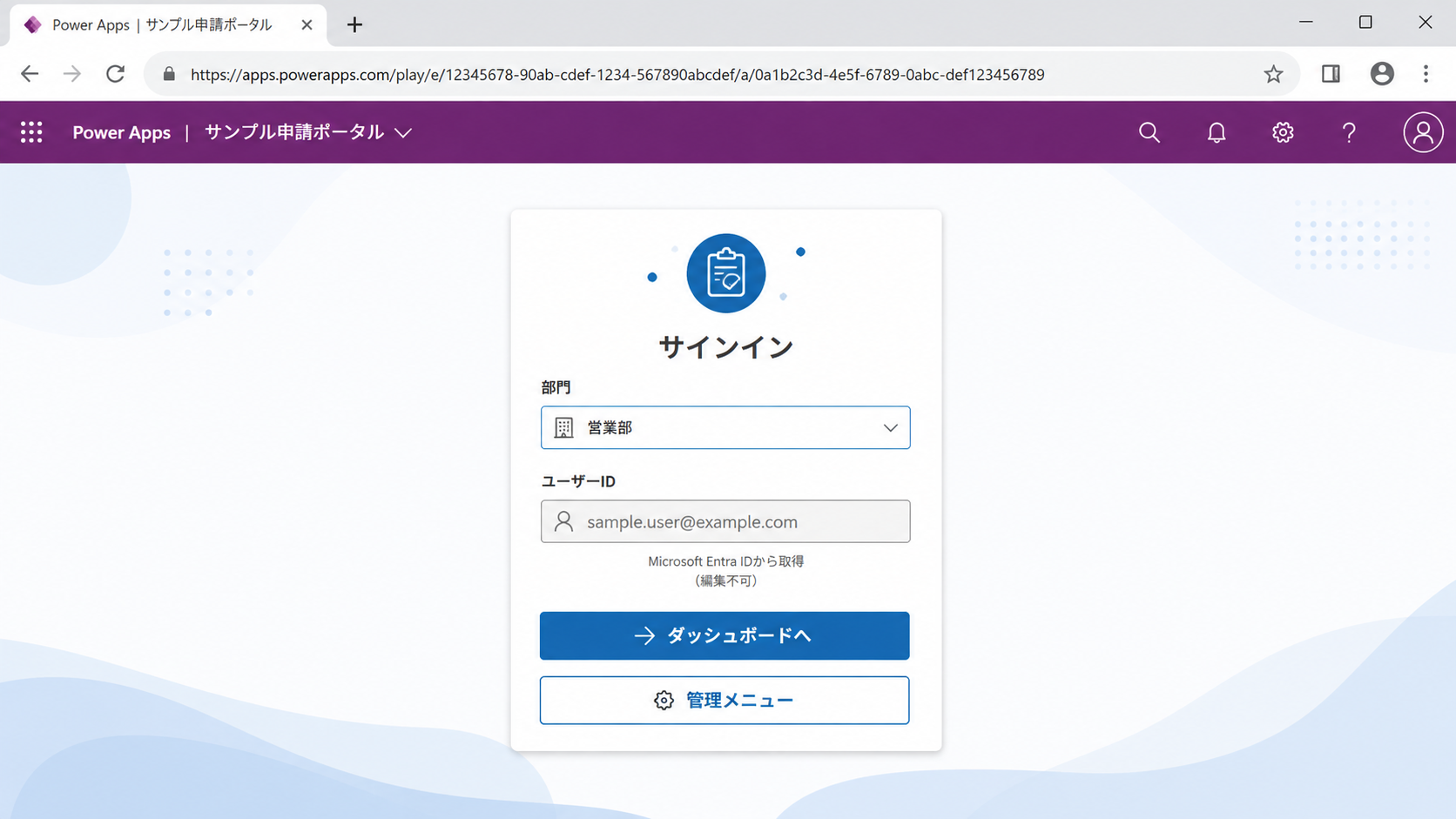
如果希望畫面更接近一般 Web App,可以在 URL 後加入:
hideNavBar=true
例如:
https://apps.powerapps.com/play/e/{EnvironmentID}/a/{AppID}?hideNavBar=true
設定後,Power Apps 頂部的導覽列就會被隱藏:
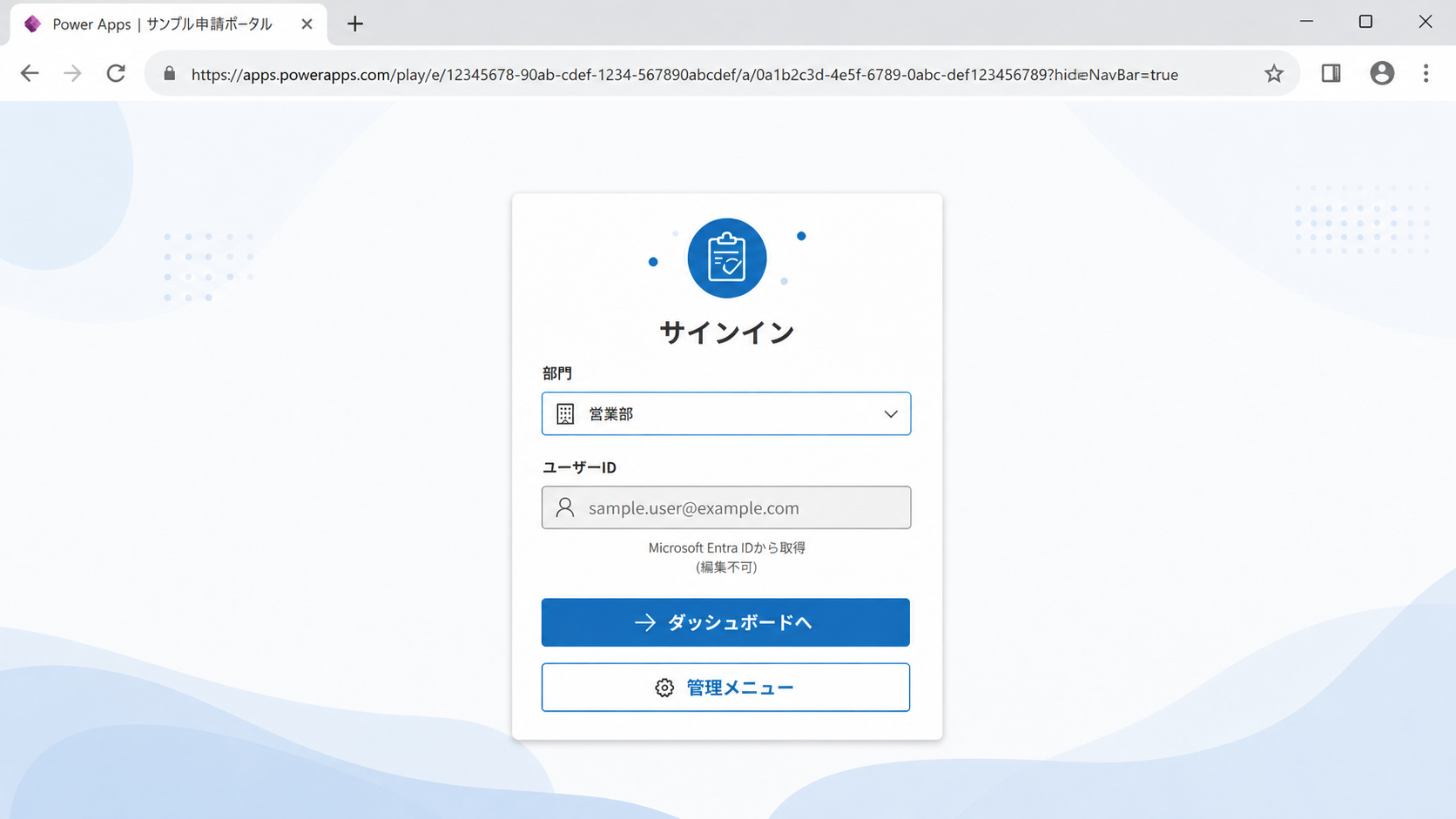
如果 URL 原本已經存在其他參數,則使用 &:
...?tenantId=xxx&hideNavBar=true
總結
只要記住:
hideNavBar=true
即可讓 Canvas App 在瀏覽器中顯示得更像一個獨立的 Web 應用。
This article was last edited at